updated 2026-11-26·4 min read
The Story of Noether
Technical retrospective on why Noether began as Flint, why Tauri v2 and Rust were chosen over Electron, and the design choices behind zero-animation desktop responsiveness.
Why Noether started as Flint, why Tauri v2 and Rust beat Electron for this app, and why micro-interaction animations got cut.
1. Origins: From Flint to Noether
On August 25, 2026, I wanted one private folder on my drive for notes, life context, and technical specs so I could stop re-introducing myself in every fresh AI thread.
I opened Obsidian first and bounced off inside a minute: nested settings everywhere, community plugins looking INSANELY incompatible visually, and a text-heavy Command Palette. Honestly, with ADHD, clunky setup is an instant dealbreaker, so I figured writing my own editor couldn’t possibly be that hard and started hacking on it (well, mostly as a fun side project).
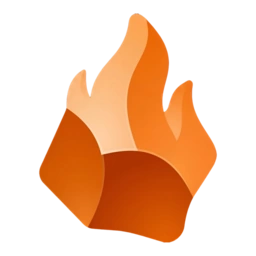
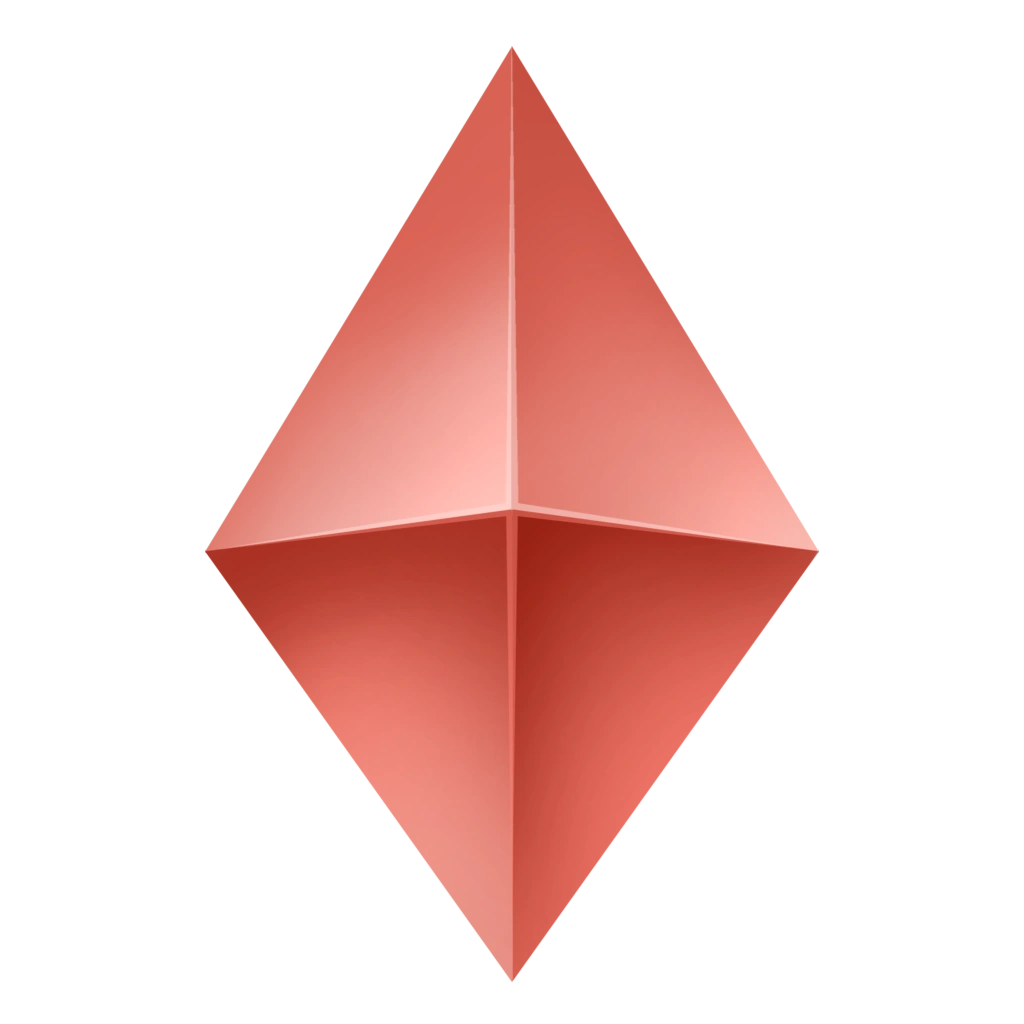
The project began under the name Flint, complete with an orange flame parody of Obsidian’s shard. Later, while brainstorming how AI labs name their models, Noether came up and immediately stuck as the better name, thus Flint became Noether and my girlfriend drew the diamond logo to replace the flame.
2. Choosing Tauri and Rust over Electron
Desktop Markdown editors usually default to bundling Chromium through Electron. I went with Tauri v2 and Rust instead, for shipping an entire browser process just to render Markdown notes wastes hundreds of megabytes at idle:
| Dimension | Electron | Noether (Tauri v2 + Rust) |
|---|---|---|
| Idle Memory Usage | 600MB to 1.5GB RAM | Under 150MB RAM with automatic memory trimming |
| Installer Size | 120MB+ package | ~15MB compressed installer |
| Database Engine | WebAssembly SQLite or IndexedDB | Compiled native Rust SQLite (rusqlite) with Direct WAL |
| File I/O Operations | Node.js fs callbacks across bridge | Native Rust asynchronous file I/O with atomic rename |
| UI Responsiveness | Heavy indexing blocks UI thread | Heavy indexing runs in background Rust threads |
Tauri v2 uses the operating system’s native webview (WebView2 on Windows, WebKit on macOS) instead of shipping a second browser binary. That alone wasn’t enough on Windows, for WebView2 still hangs onto heap pages after indexing and background graph physics will chew through battery if left ticking; pairing useViewSuspension with Win32 SetProcessWorkingSetSize trimming is what actually keeps idle RAM under 150 MB.
3. Markdown Files and Local SQLite Index
Keeping files openable in any editor without sacrificing fast search takes two separate layers, which Noether handles via its Dual-Storage Architecture:
- Markdown Files on Disk: Every note is a standard
.mdfile. If Noether stops running, your notes remain completely readable in VS Code, Vim, or any terminal tool. - Native SQLite Index (
rusqlite): Note metadata (frontmatter, tags, backlinks, headings, blocks) is indexed into an embedded SQLite database (.noether/noether.sqlite). - Write-Ahead Logging (WAL): Transactions commit using WAL mode with memory mapping, enabling fast disk writes and instant full-text search (FTS5) without UI lag.
4. Zero-Animation Desktop UI
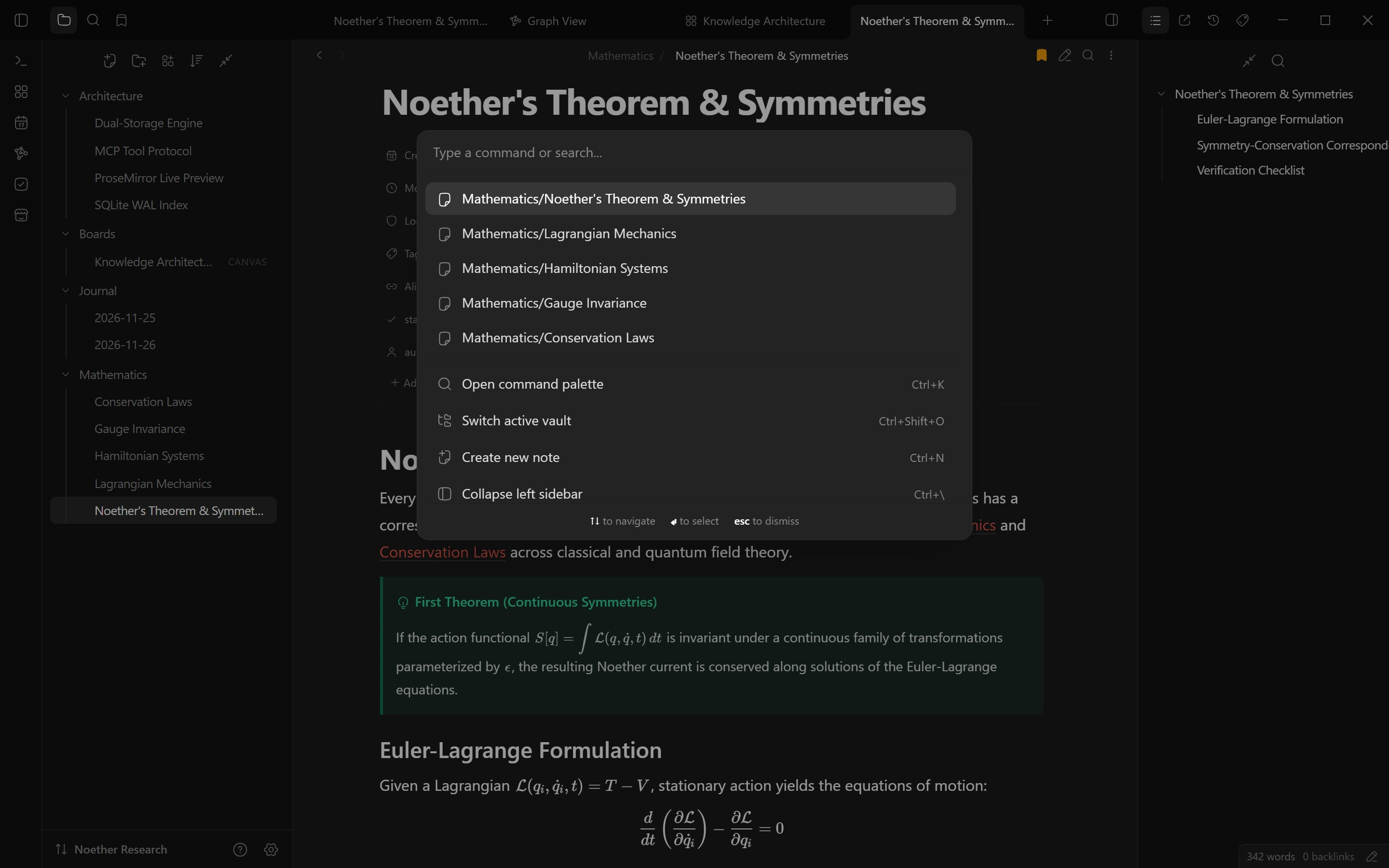
Sliding panels, bouncing buttons, and fading popups look nice in a product video, yet they add perceptible drag every time you open a menu or switch tabs. I even reverted styled subheaders and text/icon drop shadows back to a plain solid gray bar once they started feeling noisy, keeping the UI flat and zero-animation throughout:
- Context menus, dialogs, and tooltips render on the immediate next frame.
- Sidebars toggle without transition delays.
- Tree folders expand without fade or slide animations.
- Form controls switch on click without animation lag.
The goal is simple: make it snap open like a classic desktop utility instead of making you wait on CSS transitions.
5. Mobile Roadmap: Android After 1.0.0
Android support will follow the desktop 1.0.0 milestone.
Focusing on the desktop first ensures the core architecture, Rust SQLite index, and Extension SDK are thoroughly tested and stable. Once desktop reaches 1.0.0, Tauri v2’s mobile target allows building directly for Android with full local folder access.
iOS is not planned in the near term due to Apple’s strict filesystem sandboxing and App Store developer requirements.