updated 2026-11-26·2 min read
Math & LaTeX
KaTeX inline and display equations, interactive MathLive formula chips, and the 4-tab Visual Math Keyboard in Noether.
Render inline and display math with KaTeX, edit equations visually with MathLive chips, or click symbols straight out of the built-in math keyboard instead of memorizing every LaTeX command.
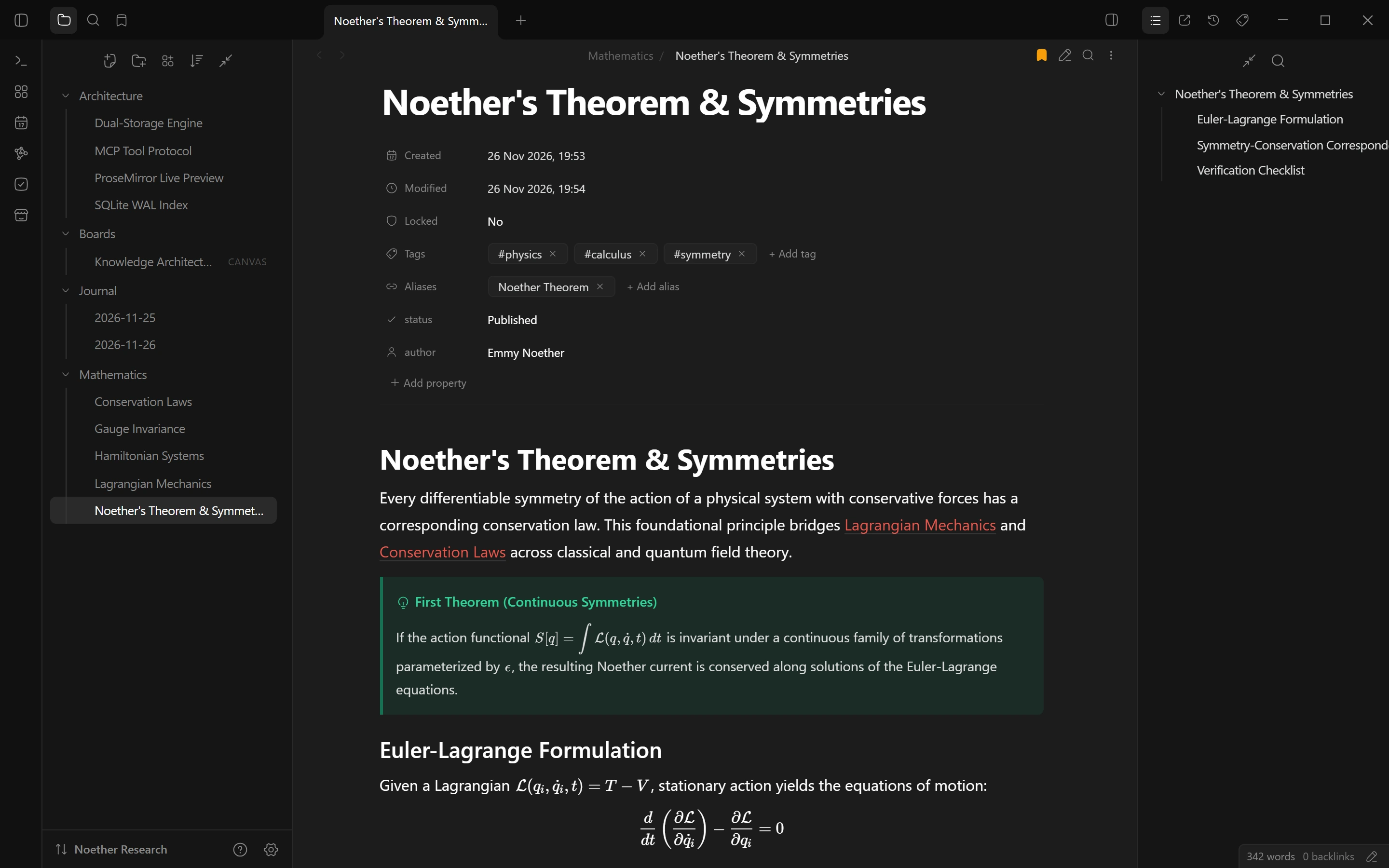
Writing Formulas
Write math expressions in two forms:
- Inline Math: Wrap expressions in single dollar signs, e.g.
$E = mc^2$, which renders inline as . - Display Math Blocks: Wrap multi-line equations in double dollar signs (
$$...$$):
$$
\int_{-\infty}^{\infty} e^{-x^2} dx = \sqrt{\pi}
$$
Which renders as:
Visual Math Keyboard & MathLive Chips
Clicking any rendered formula in Live Preview opens the MathLive Chip Editor for live visual editing without hunting through LaTeX manuals. Click the keyboard icon on a math chip to open the Visual Math Keyboard, organized into four categories:
123(Arithmetic & Calculus): Fractions, exponents, square roots, integrals (), summations (), limits (), and trigonometric functions ().∞≠∈(Symbols & Logic): Set theory (), comparisons (), logical connectives (), and directional arrows ().abc(Algebraic Variables): Standard math variables and characters.αβγ(Greek Alphabet): Greek symbols ().
LaTeX Math Cheat Sheet
| Expression | LaTeX Syntax | Rendered Output |
|---|---|---|
| Fractions | \frac{a}{b} | |
| Square Root | \sqrt{x^2 + y^2} | |
| Summation | \sum_{i=1}^n i | |
| Limits | \lim_{x \to 0} \frac{\sin x}{x} = 1 | |
| Greek Letters | \alpha, \beta, \gamma, \theta, \lambda | |
| Matrices | \begin{pmatrix} a & b \\ c & d \end{pmatrix} |
Next Steps
- Return to Editor for mode switching and options.
- Review text styling in Basic Formatting.
- Build structured tables with Tables.