updated 2026-11-26·5 min read
Noether
Local-first Markdown workspace, SQLite knowledge index, spatial canvas, native PDF reader, and stdio MCP server built with Tauri v2 and React.
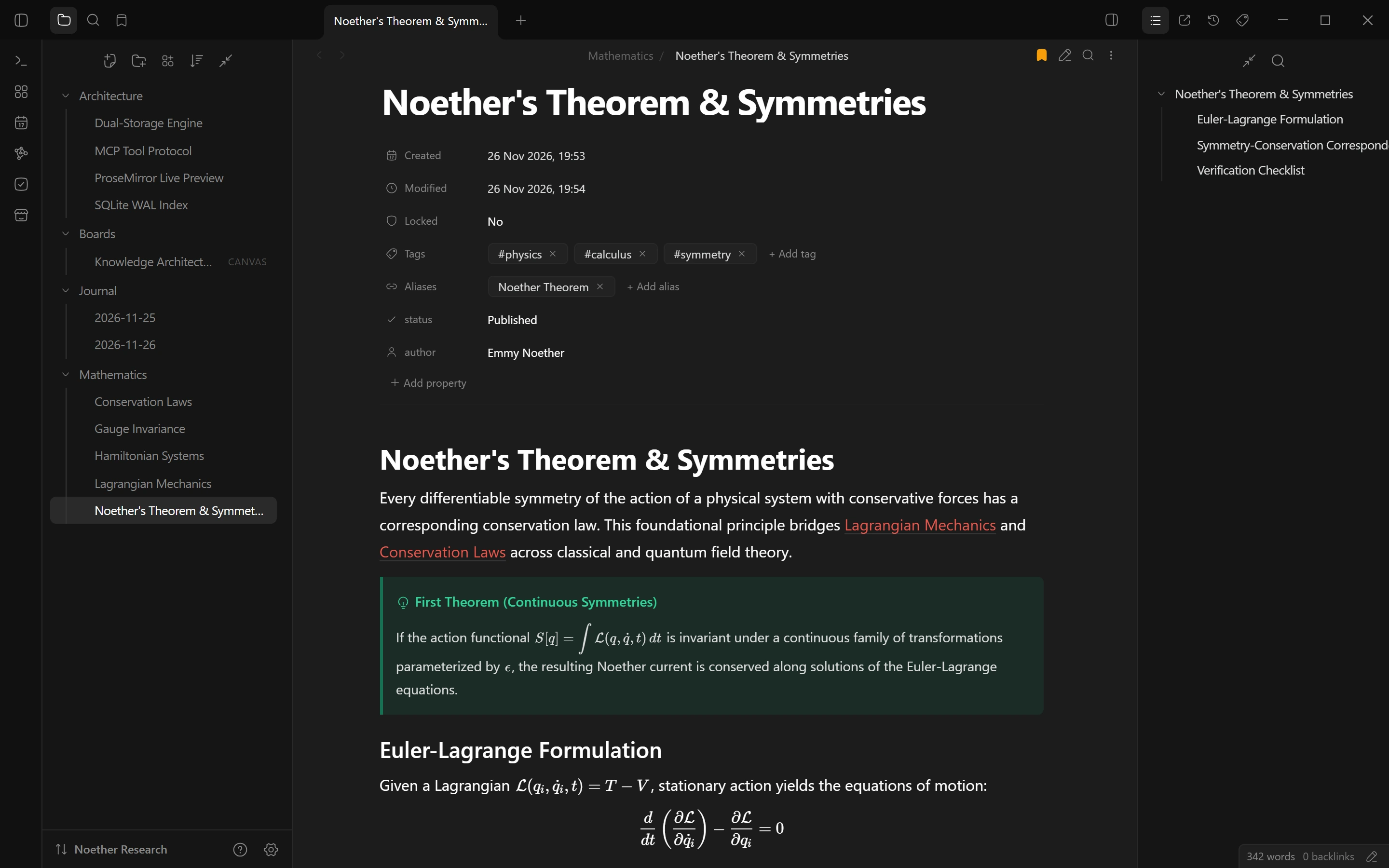
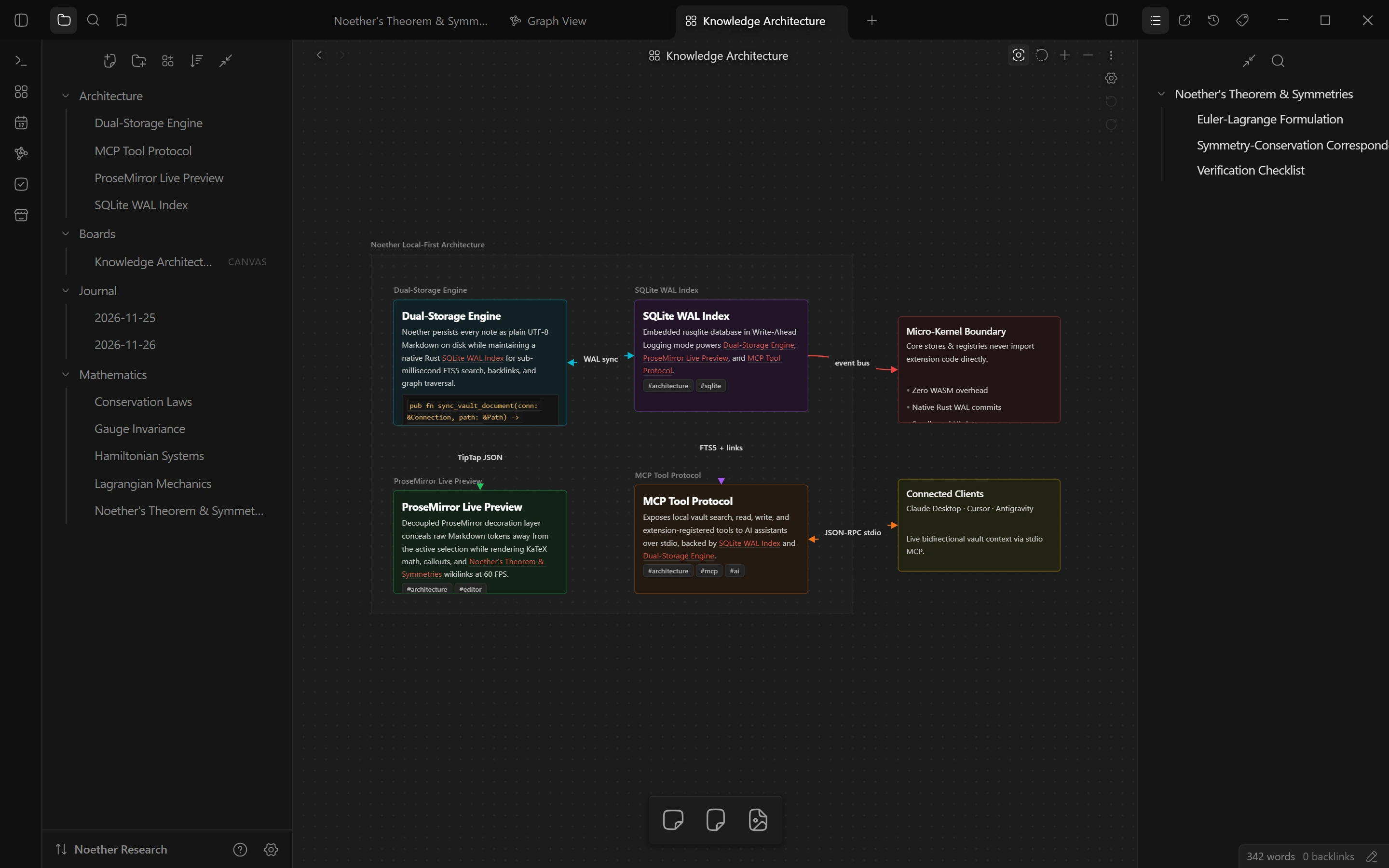
Obsidian lost me in under a minute once I opened its settings. Community plugins clashed wildly with each other visually, the Command Palette felt like a wall of plain text, and my ADHD checked out pretty fast, so I started building my own editor for fun (much bigger rabbit hole than I bargained for, albeit a good one). Underneath, Noether keeps every note as an ordinary .md file on your drive and pairs it with a compiled Rust SQLite index (rusqlite in WAL mode) for instant search, backlinks, tags, and local Model Context Protocol (MCP) tool access.
From Flint to Noether
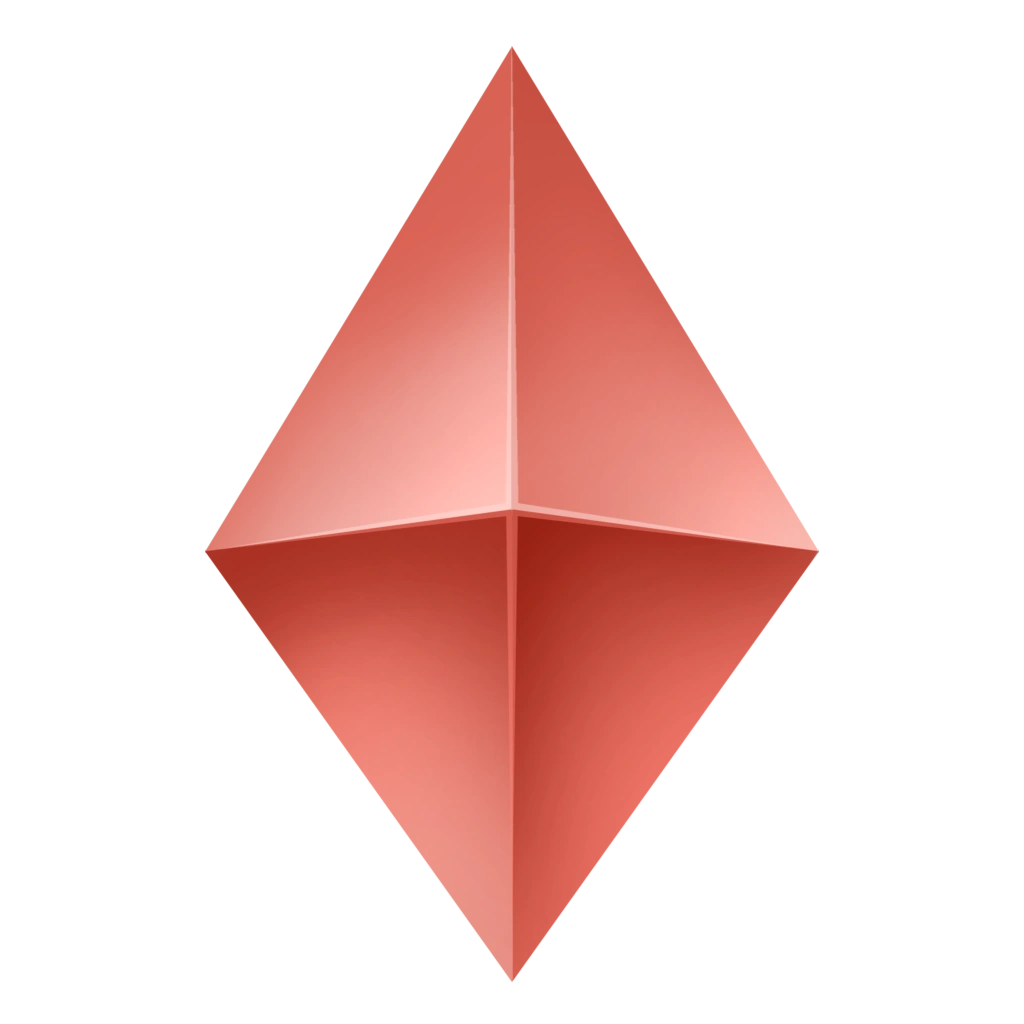
The app originally started as Flint with a blazing orange flame parody of Obsidian’s shard. While brainstorming how AI companies name things, I landed on Noether, swapped Flint out because it sounded far cooler, and got my girlfriend to design the shaded diamond icon after the rename.

What You Actually Get
- Plain
.mdfiles on disk: Notes stay ordinary CommonMark files inside ordinary folders. Edit, grep, or version them with Git, Syncthing, VS Code, or Vim whenever you want. - Native Rust SQLite cache: Embedded
rusqlitepowers FTS5 full-text search, backlinks, tag trees, and task lists across thousands of notes without WebAssembly lag. - Atomic temp-and-rename saves: Writes flush to a temporary file before an OS rename so power cuts don’t truncate notes, and deletes go to
.trash/instead of vanishing. - Built-in stdio MCP server: Point Claude Desktop, Cursor, Windsurf, Zed, Codex CLI, or Google Antigravity at
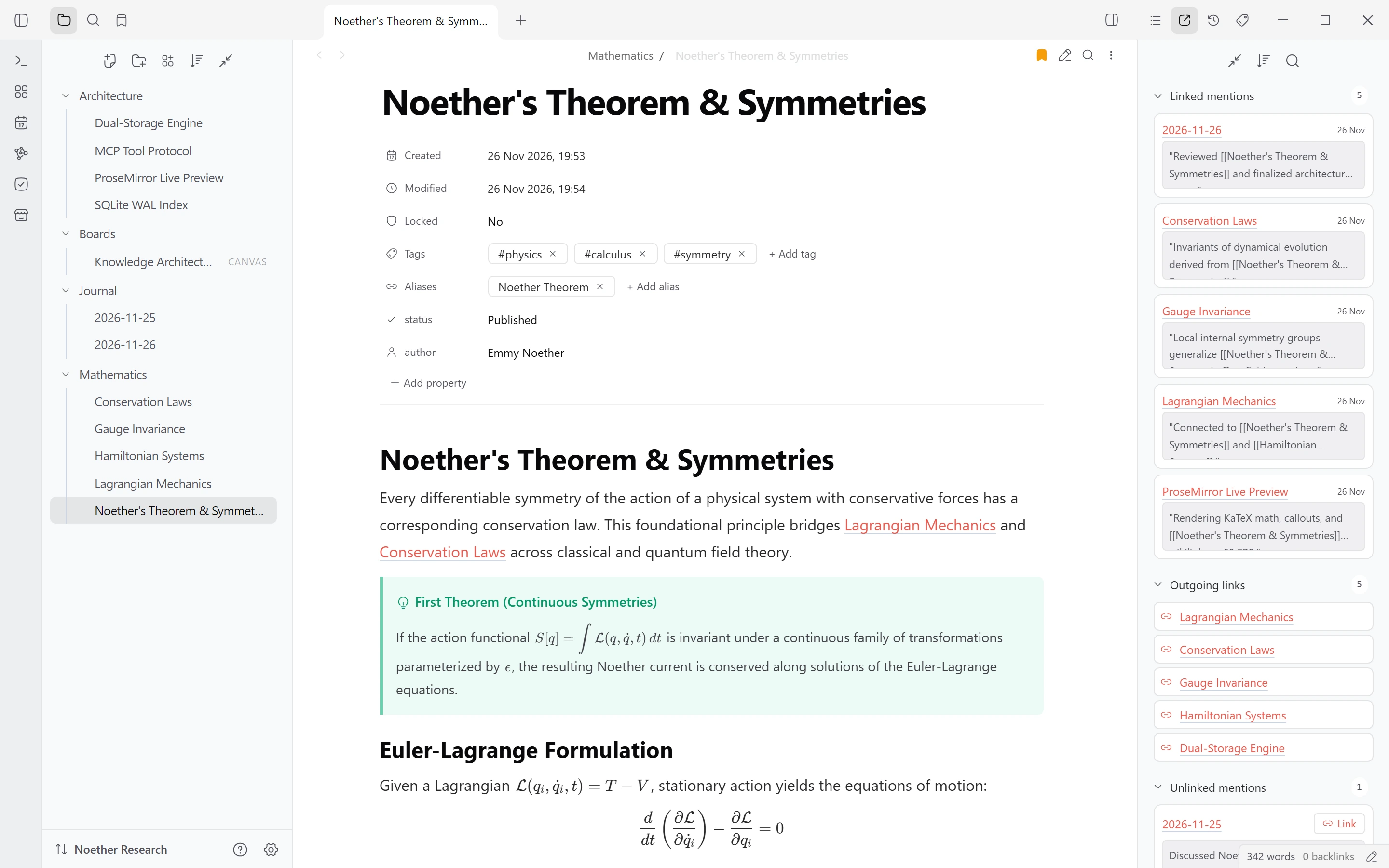
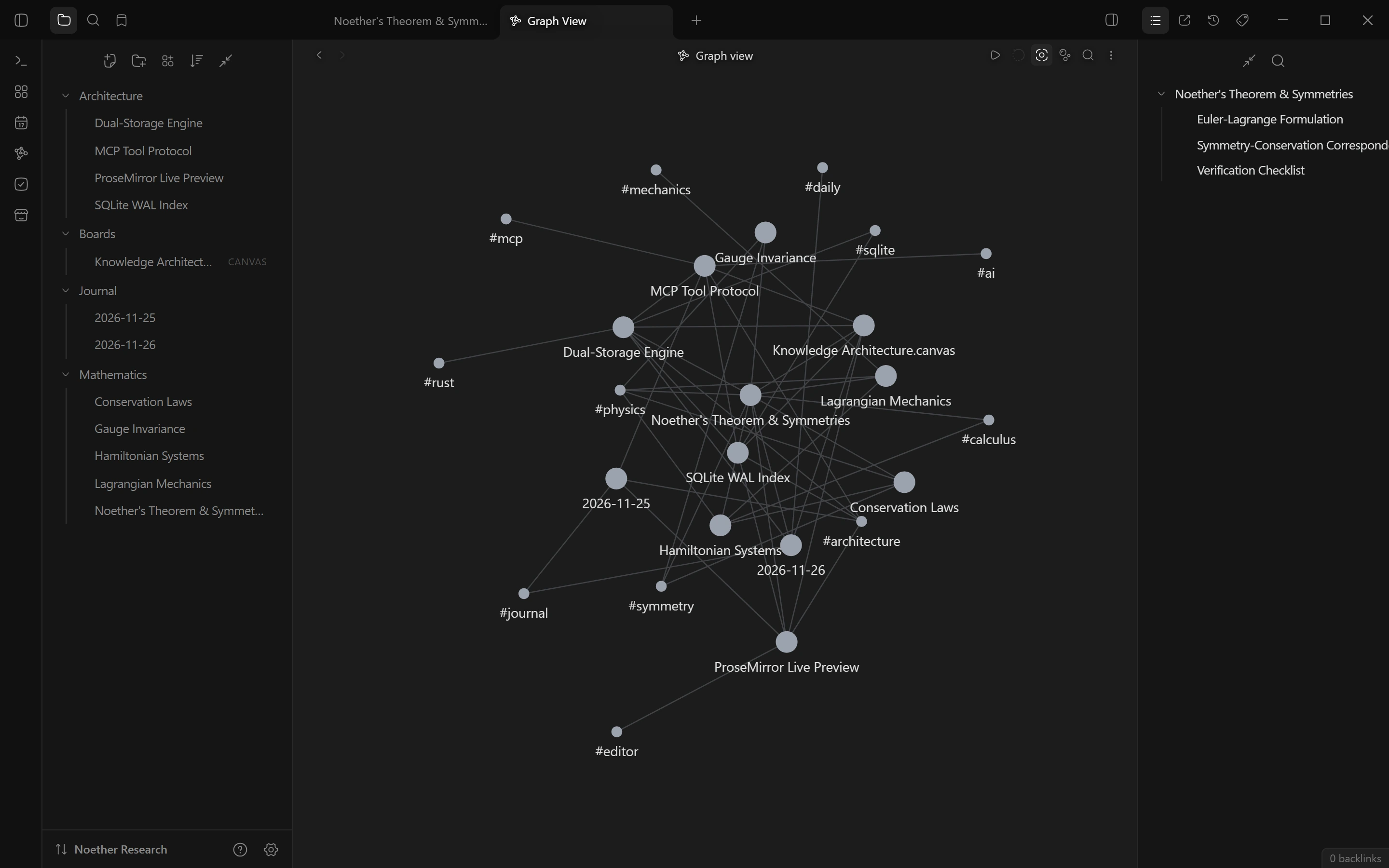
bin/noether-mcp-server.cjsand they can read or update your local vault directly. - 14 built-in core extensions + marketplace: Spatial Canvas, 2D Knowledge Graph, local Git Version History, Daily Journal, Tasks Center, Properties, Sync, and an installable extension marketplace (down from 15 core extensions after cutting the old 2,500-line built-in
sketchextension out of core to keep the base app lean).
Workspace Gallery
Documentation Sections
Vault setup, Live Preview editor, KaTeX math, tables, callouts, 4-zone docking, native PDF presentation mode, and MCP setup.
Backlinks, Bookmarks, Canvas, Covers, Graph View, Version History, Daily Journal, Marketplace, More Icons, Outline, Properties, Sync, Tags, and Tasks.
Installable Marketplace extensions from yvliet: Copilot AI, FSRS Spaced Repetition, Quicknote scratchpad, Cascade books, and Sketch2Text (kept optional instead of bundled in core).
Micro-kernel isolation, SQLite WAL storage, Reactive EventBus, ProseMirror engine, Extension SDK, and theme authoring.
New to Noether? Start with Introduction to Noether and Installation & Setup. If you’re building extensions or digging into internals, jump to Developer Docs.