updated 2026-11-26·4 min read
Publishing to Marketplace
Package, hash, and publish Noether extensions to the Turso libSQL Community Registry via REST API, CLI script, or GitHub Actions release workflow.
How to package, hash, and publish an extension to the Turso-backed Community Marketplace registry.
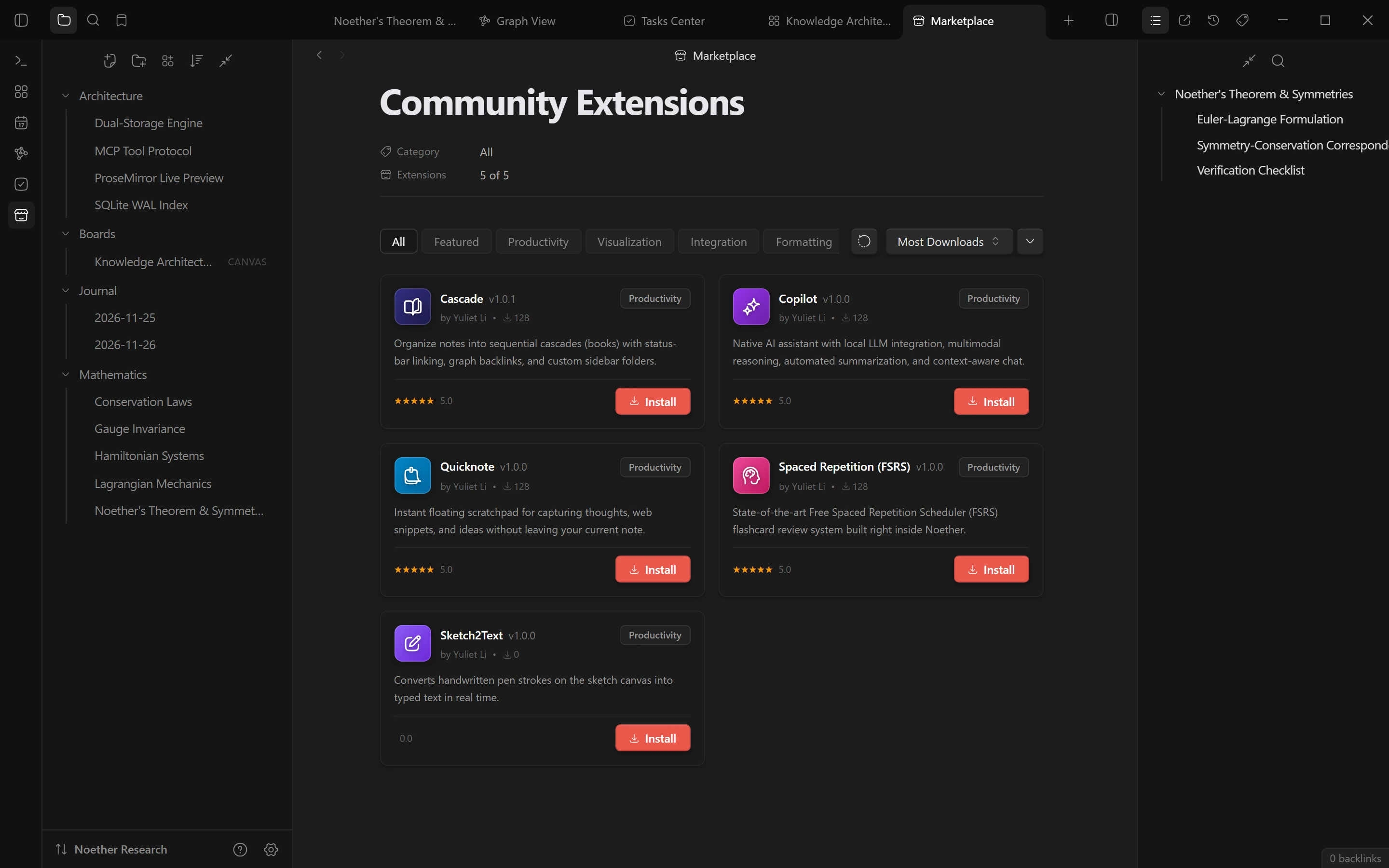
1. Turso libSQL Registry Architecture
The Noether Community Registry is powered by a serverless Turso / libSQL edge database. When you publish an extension:
- Edge Metadata & Release Indexing: Author profiles, extension manifests, tags, and SemVer version histories are indexed across global edge replicas.
- Direct Bundle Distribution: Your compiled JavaScript
main.jsand optionalstyles.cssbundles are stored directly in the database or served via high-speed CDN URLs. - Instant In-App Installation: Noether users can browse, search, and install your extension with a single click in the Marketplace view without manually copying files or restarting the app.
2. Release Preparation Checklist
Before publishing your extension, verify that your package satisfies the following standards:
- Valid
manifest.json:id: Unique, lowercase kebab-case (e.g.markdown-mindmap).name: Clean, descriptive display title.version: Strict Semantic Versioning string (e.g.1.0.0).description: Crisp summary (40-160 characters).author: Your name or organization.category: One ofProductivity,Visualization,Integration,Formatting.tags: Relevant keywords (e.g.["mindmap", "graph", "diagram"]).minAppVersion: Minimum Noether version metadata (stored in manifest; the publish endpoint falls back to0.4.0when omitted, while the manifest schema helper defaults to0.1.0).
- Compiled
main.js:- Bundled as CommonJS (
cjs) targeting modern browser/desktop environments (es2022). - Core dependencies (
noether,@noether/api,@noether/sdk,react,react-dom,zod,clsx,tailwind-merge,zustand) must be marked as external so duplicate runtimes are not bundled.
- Bundled as CommonJS (
- Optional
styles.css: Scoped styles prefixed with your extension identifier to avoid polluting host styling. -
README.md: Clear documentation detailing features, keyboard shortcuts, and registered Model Context Protocol (MCP) tools. - Native Desktop Feel: Verified that custom settings, buttons, and menus open and respond immediately without slow cosmetic transitions.
3. Publishing to the Turso Registry
You can publish new extensions or version updates through the official Publish Extension REST API or using the Noether CLI tool.
Publishing Endpoint
POST /api/v1/extensions/publish
Content-Type: application/json
(Note: /api/v1/plugins/publish is also supported as a backward-compatible alias).
Request Payload
{
  "manifest": {
    "id": "markdown-mindmap",
    "name": "Markdown Mindmap",
    "version": "1.0.0",
    "description": "Generate dynamic visual mindmaps from nested markdown lists and headers.",
    "category": "Visualization",
    "tags": ["mindmap", "visualization", "diagram"],
    "minAppVersion": "0.4.0",
    "icon": "git-fork",
    "repoUrl": "https://github.com/yourname/markdown-mindmap"
  },
  "bundleCode": "/* Compiled JavaScript bundle contents */",
  "stylesCode": "/* Optional CSS styles */",
  "readme": "# Markdown Mindmap\n\nTransforms markdown lists into interactive node trees.",
  "sha256": "0123456789abcdef0123456789abcdef0123456789abcdef0123456789abcdef",
  "overwrite": false,
  "author": {
    "githubUsername": "yourname",
    "displayName": "Your Name",
    "avatarUrl": "https://avatars.githubusercontent.com/u/1234567"
  }
}
In-Place Overwrite Flag
By default, publishing an existing version returns a 409 Conflict to protect against unintentional regressions. If you need to update an asset or hotfix an existing version during development, pass "overwrite": true in your payload.
4. Publishing via the Noether CLI Tool
Noether provides a command-line tool that inspects your extension folder, reads manifest.json, extracts dist/main.js and README.md, calculates the SHA256 integrity hash, and dispatches the payload to the registry:
# Build the production bundle
npm run build

# Publish the extension to the registry
npx tsx scripts/publish-extension.ts path/to/your-extension

# Publish with overwrite enabled for the current version
npx tsx scripts/publish-extension.ts path/to/your-extension --overwrite
To publish all community extensions maintained in the monorepo:
npm run extensions:build
npm run extensions:publish
5. Automated GitHub Actions Publishing
You can automate publishing whenever a new GitHub Release is created. Add the following workflow to .github/workflows/publish.yml in your extension repository:
name: Publish Extension to Noether Registry

on:
  release:
    types: [published]

jobs:
  publish:
    runs-on: ubuntu-latest
    steps:
      - name: Checkout code
        uses: actions/checkout@v4

      - name: Setup Node.js
        uses: actions/setup-node@v4
        with:
          node-version: 20

      - name: Install dependencies and build bundle
        run: |
          npm install
          npm run build

      - name: Dispatch publication to Noether Registry
        run: |
          curl -s -X POST https://api.noethernotes.dev/api/v1/extensions/publish \
            -H "Content-Type: application/json" \
            -d @- << EOF
          {
            "manifest": $(cat manifest.json),
            "bundleCode": $(jq -Rs . dist/main.js),
            "readme": $(jq -Rs . README.md),
            "author": {
              "githubUsername": "${{ github.repository_owner }}",
              "displayName": "${{ github.repository_owner }}"
            }
          }
          EOF
6. Local Testing Before Publication
- Build your production bundle
Run npm run build to emit dist/main.js.
- Copy into Vault Extensions
Copy your folder containing manifest.json and dist/main.js into <your-vault>/.noether/extensions/<your-extension-id>/.
- Enable in Settings
Open Noether, open Settings → Community Extensions, and toggle your extension on to verify UI elements, commands, and MCP tools in real time.