updated 2026-11-26·1 min read
Community Marketplace
Discover, install, enable without restarting, update, and manage community extensions and themes from the live Turso registry.
Install, enable, update, and remove community extensions and themes straight inside Noether from the live Turso registry.
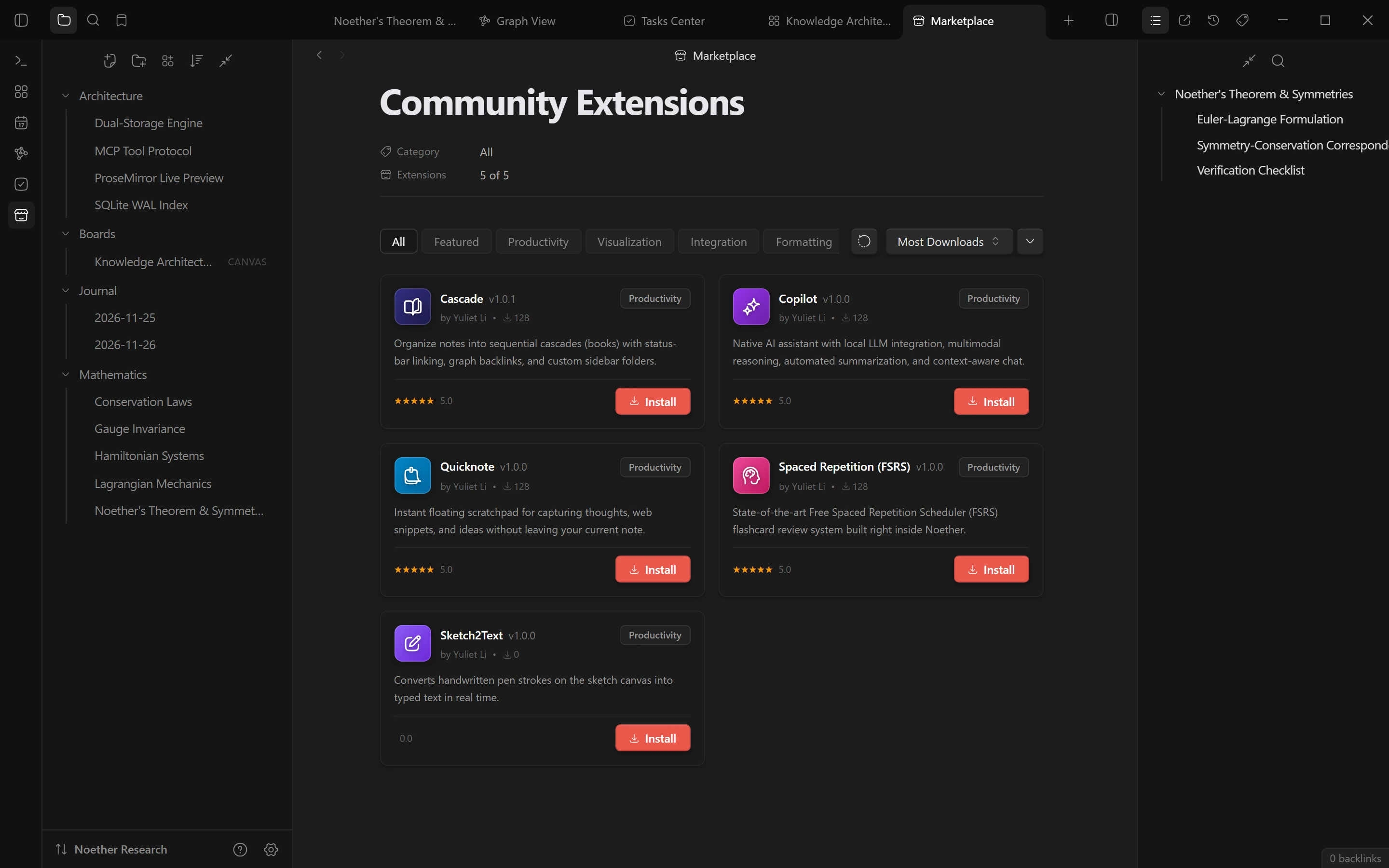
Installing Extensions
Open Settings (Ctrl+,) → Community Extensions and click Browse Community Extensions:
- Search & Discover: Filter by author, title, or keyword (
calendar,fsrs,copilot,sync). - One-Click Install: Check the extension card’s description and permissions, then click Install.
- No-Restart Activation: Click Enable to load the bundle into memory right away without restarting Noether.
Managing, Updating & Uninstalling
- Registry Updates: Noether checks the community registry periodically and shows an Update badge when newer versions are published.
- Per-Vault Control: Enable or disable installed extensions independently for each vault.
- Uninstalling: Click the trash icon in Settings to remove an extension bundle from
.noether/extensions/.